Colour Inkjet Multifunction Printers at Everyday Home Living
Colour inkjet multifunction printers combine print, scan, copy, and in many cases fax functions in a single compact unit, making them the most practical all-around choice for Australian homes and home offices. They produce vibrant colour documents and photo-quality prints from a single machine, eliminating the need for separate devices. At Everyday Home Living, we stock colour inkjet multifunction printers from Canon, Epson, and HP with fast delivery nationwide.
Choosing the Right Colour Inkjet Multifunction Printer
Print Quality and Use Case
For households that print a mix of everyday documents and photos, a standard four-colour inkjet multifunction printer delivers good results at an accessible price. For photo-enthusiast households that regularly print high-quality images, Epson Expression Photo models with five or six-colour ink systems produce noticeably richer, more accurate photo output. Canon PIXMA all-in-one models occupy a similar space, with ChromaLife 100+ ink delivering long-lasting photo prints.
Running Costs
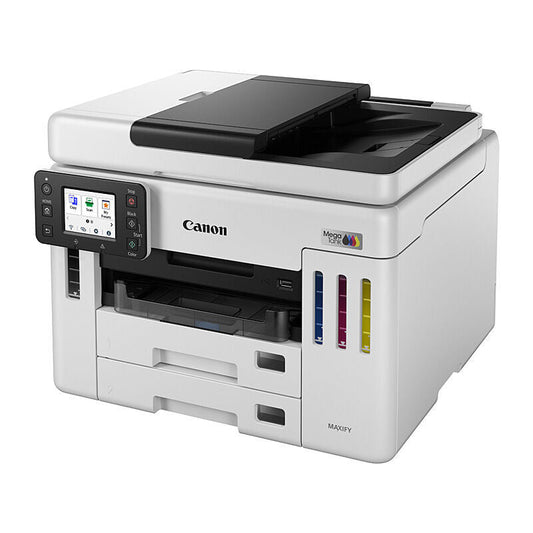
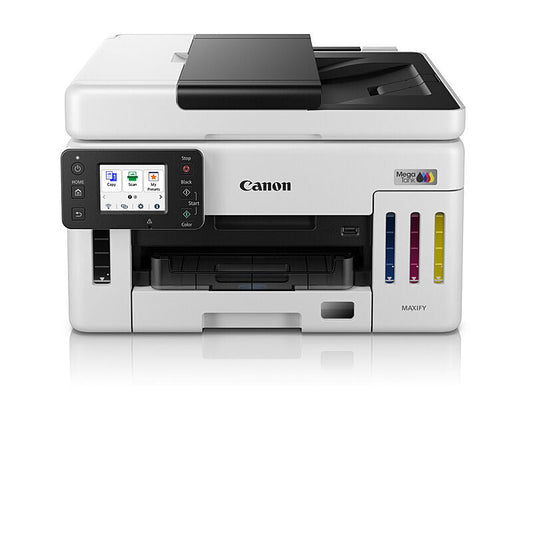
Running costs are one of the most important factors when choosing an inkjet multifunction printer for an Australian household that prints regularly. Standard cartridge models have a lower upfront price but higher ongoing ink costs. Epson EcoTank all-in-one models use refillable ink tanks that deliver a significantly lower cost per page for households that print frequently, and the upfront premium is typically recovered within one to two years of regular use. Canon PIXMA G-series MegaTank models offer a comparable low-cost-per-page alternative through a similar ink bottle refill system.
Connectivity
All current colour inkjet multifunction printers in our range include Wi-Fi for wireless printing from smartphones, tablets, and computers anywhere on the home network. Apple AirPrint and Mopria Print Service support enables direct wireless printing from iOS and Android devices without installing additional drivers. Many models also include Ethernet for wired network connection in home office environments where a stable wired connection is preferred.
Automatic Document Feeder
Models with an automatic document feeder (ADF) can automatically feed multiple pages through the scanner without manual page-by-page placement, which significantly speeds up multi-page document scanning and copying. For households or home offices that regularly scan or copy multi-page documents, an ADF is a worthwhile convenience feature to prioritise.
Frequently Asked Questions
Should I buy a standard cartridge inkjet or an EcoTank model?
It depends on how much you print. If you print several pages per week or more, an Epson EcoTank or Canon MegaTank model will almost certainly save you money over the printer's lifetime despite the higher purchase price. The ink bottle systems hold the equivalent of dozens of standard cartridges, and the cost per page drops dramatically. If you print only occasionally, a standard cartridge model at a lower upfront cost may be the better choice, though infrequent use can lead to print head clogging in inkjet printers that sit idle for extended periods.
Can inkjet multifunction printers scan double-sided documents automatically?
Yes, but only on models with a duplex ADF (automatic document feeder that scans both sides of a page in a single pass). Standard ADF models scan one side of a page at a time. Duplex ADF models are found on mid-range and above multifunction printers. If automatic double-sided scanning is important to you, confirm that the model you are considering includes a duplex ADF specifically, as this feature is not universal across all ADF-equipped models.