Network Switches for Australian Homes and Businesses
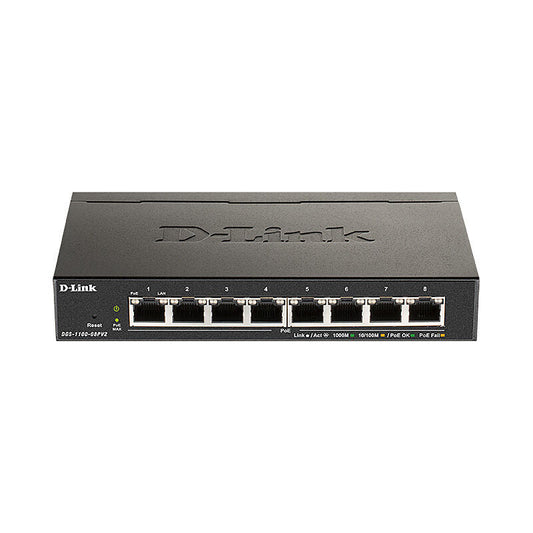
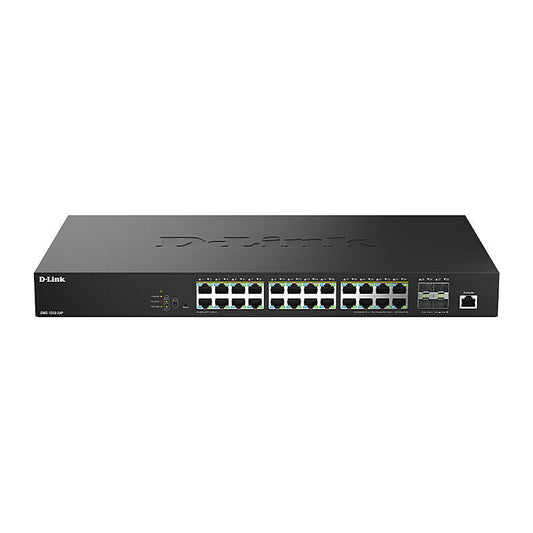
Network switches connect multiple wired devices to a local area network, allowing computers, NAS devices, IP cameras, VoIP phones, and other wired equipment to communicate at full speed without competing for wireless bandwidth. The range at Everyday Home Living covers unmanaged Gigabit switches, PoE switches, and multi-gigabit managed switches from D-Link and Lindy, suited to home network expansion through to small business and enterprise IT environments.
Unmanaged Gigabit Switches
Unmanaged Gigabit switches are plug-and-play devices that require no configuration. They suit home users and small offices adding wired ports to a router or expanding an existing network without needing traffic management features. All ports operate at standard Gigabit (1 Gbps) speed and auto-negotiate connection speed with connected devices.
Power over Ethernet (PoE) Switches
PoE switches supply power to connected devices — such as IP cameras, Wi-Fi access points, VoIP phones, and smart displays — through the same Ethernet cable used for data, eliminating the need for a separate power supply at each device location. This significantly simplifies installation for devices in ceiling, outdoor, or remote locations where running separate power cabling is impractical. PoE+ and PoE++ variants provide higher per-port power budgets for devices with greater power requirements.
Managed and Smart Switches
Managed switches provide traffic control features including VLAN configuration, QoS prioritisation, and link aggregation, suited to IT environments where traffic segmentation and priority management are required. Smart switches offer a middle ground with basic management features via a web interface, without the full complexity of enterprise managed switches.
Frequently Asked Questions
Do I need a PoE switch to power my IP cameras?
Only if your IP cameras use PoE for power. Most professionally installed IP security cameras use PoE, which requires a PoE switch or PoE injector to supply power over the network cable. Cameras that use a separate power adapter do not require a PoE switch. Check the camera specifications to confirm whether it is PoE-powered. Browse the security cameras range and Reolink range for compatible PoE cameras.
How many ports do I need in a network switch?
Choose a switch with at least the number of wired devices you need to connect, plus a few spare ports for future expansion. Common sizes are 5-port, 8-port, 16-port, and 24-port. For a home network, an 8-port unmanaged Gigabit switch covers most scenarios. For a small business or IT environment with structured cabling, 16-port and 24-port rack-mount switches are more practical. Remember that one port will be used to connect the switch uplink to your router.